September 30, 2008 weblog
Super Talent Introduces a 128Gb SSD for Under $300
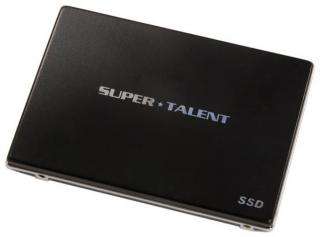
If you have been waiting for the price of Solid State Drives (SSD) to come down in price, the time has finally come. Super Talent has introduced their 128Gb, 2.5-inch, SATA II "MasterDrive LX" for the affordable price of $299. This works out to about $2.49 per gigabyte. If that´s still too much money, then you can go for the 64Gb version that sells for $179.
Super Talent´s MasterDrive SSDs offer five times better resistance to shock and vibration, consumes less power, supports a wider range of operating temperatures and altitudes, and are completely silent.
Super Talent´s MasterDrive SSDs is backed by a 1-year warranty. The MasterDrive LX is built with NAND flash and uses a SATA-II 3Gbps interface that makes it 100% interchangeable with hard disk drives. These SSDs support sequential read speeds of up to 100 MB/sec, and sequential write speeds of up to 40 MB/sec. Integrated ECC, wear leveling and bad bit management functions dramatically improve the reliability and lifespan of these SSDs.
The FTM64GO25H model is Super Talent´s 64GB 2.5-inch SATA-II SSD with a read/write speed of 100/40 MB/sec and sells for $179. The FTM28GO25H is Super Talent´s 128GB 2.5-inch SATA-II SSD with a read/write speed of 100/40 MB/sec and sells for $299.


